Everyone caring for them, on the same page.
Looking after one person usually takes several adults: a parent, a grandparent, a respite worker, sometimes a therapist, and a handful of apps between them. epCaregiver is the place that holds all of it, and it is free.


Free to use. No trial to start, nothing to enter a card for.
The apps are the easy part
The hard part is that four adults are involved, none of them are in the same room, and the one who knows whether the new symbols were ever approved is at work until six.
So epCaregiver is the part that remembers. Who is in your household and who helps out. What each of them is allowed to see. Which app each person actually uses. And, on any given morning, the short list of things that need a grown up.
It is deliberately dull to set up and quiet afterwards. Open it when something needs you, close it when it does not, and get on with your day.
Six screens, and that is about it
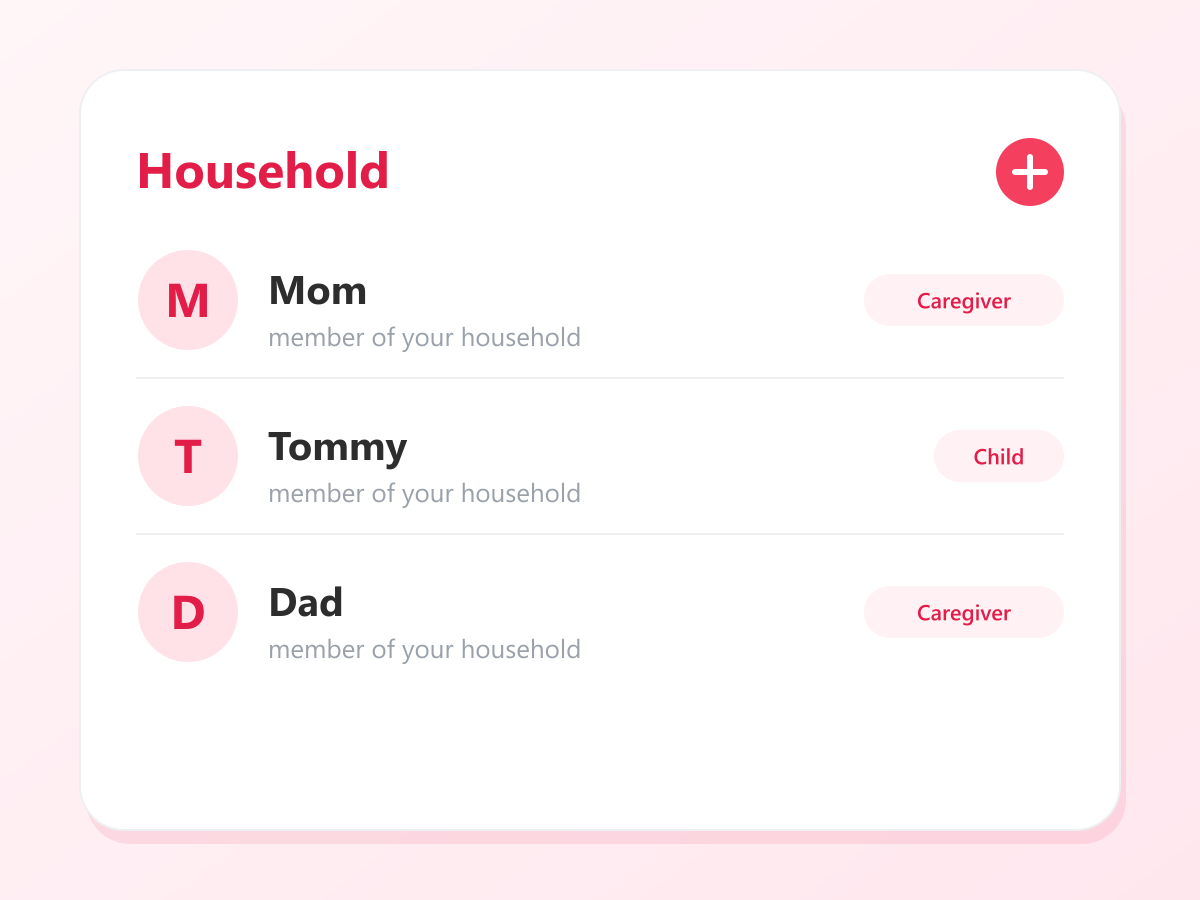
Everyone who helps, in one place
Your partner, a grandparent, the support worker who comes on Tuesdays, and the people you are all there for. Invite by email or scan a code, then decide what each adult can see. No two families are arranged the same way, and this one does not assume yours is.
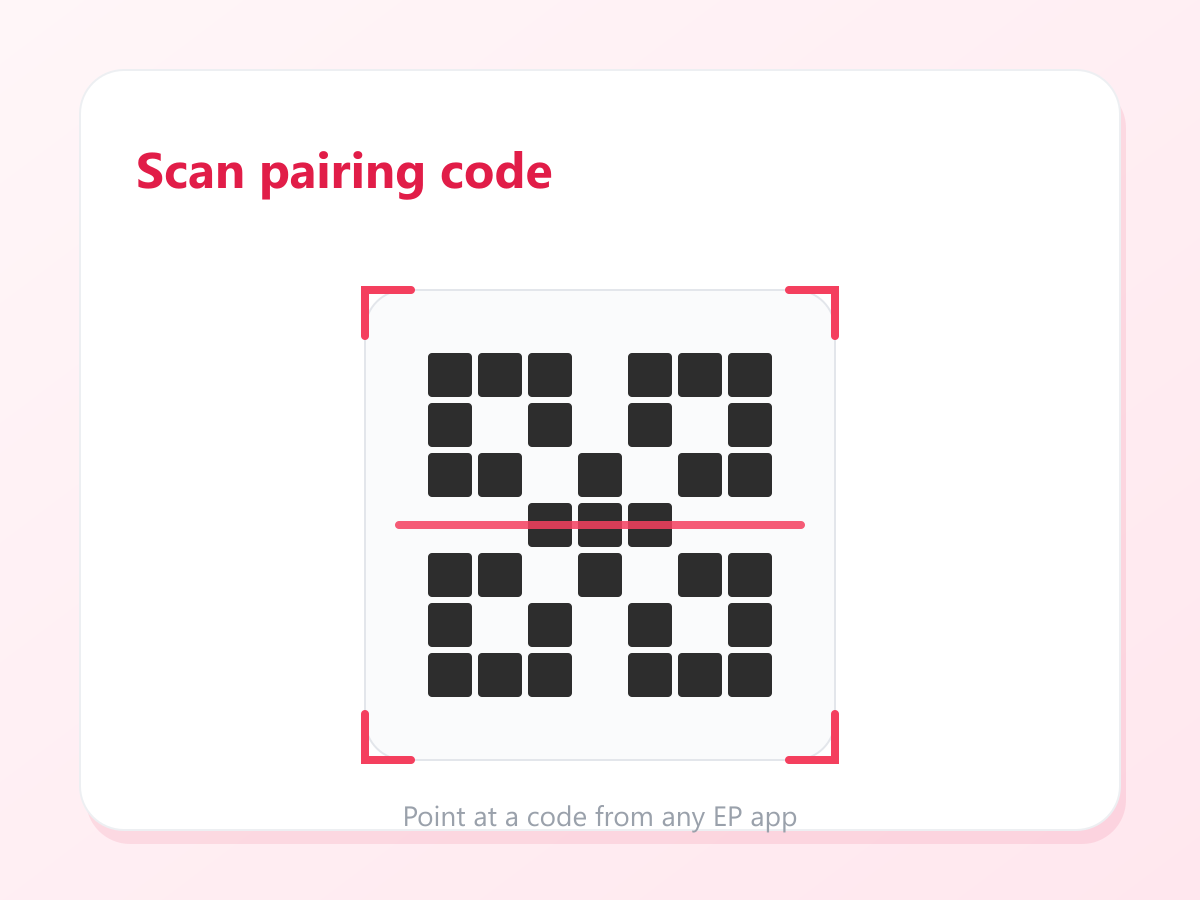
Point your phone at their screen
A pairing code comes up on their device, your camera reads it, and they are connected. Nothing to copy out, nothing to read down the phone to somebody who is driving.
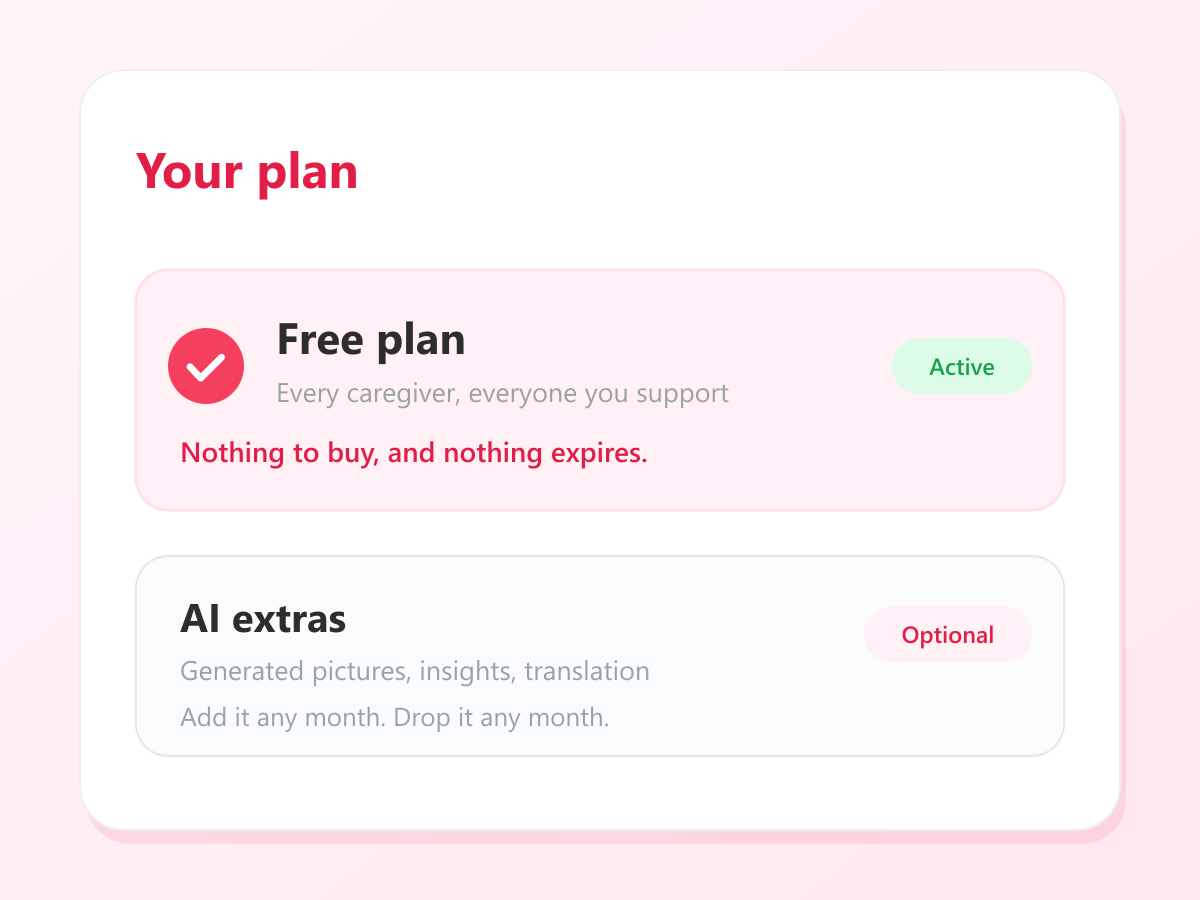
Your plan, in one line
It says Free, because it is. If you ever turn the AI on, this is where you see that it is on and when it renews, so nothing appears on a card as a surprise. Turning it off again is one tap and takes effect at the end of the month.
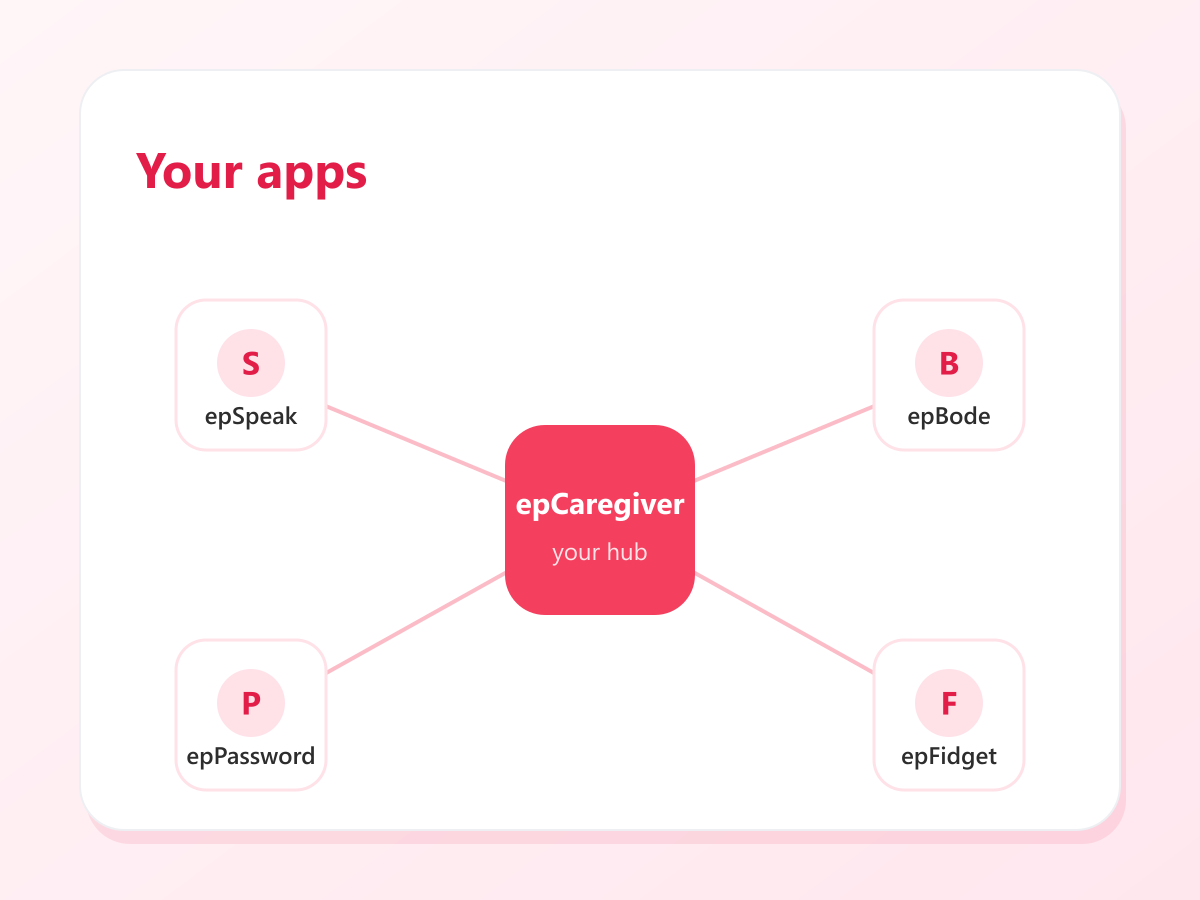
Straight into whichever app you need
The communication app, the sensory toys, the shared vault. Open the right one from here, already signed in, on a morning when you have not got the patience to go hunting for a password.
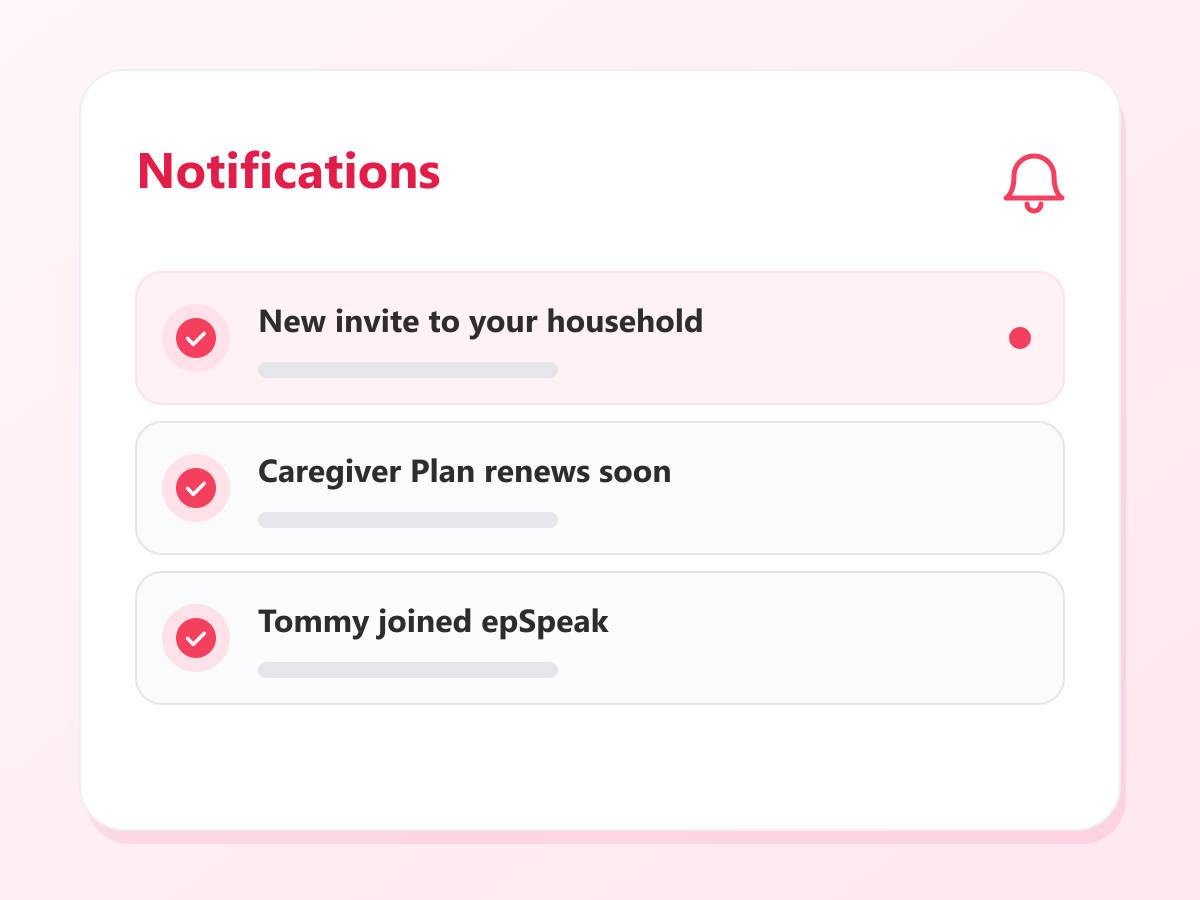
What actually needs you today
Somebody waiting on an invitation, a practitioner asking to connect, something that needs a grown up to look at it. One short list that ends. There is no feed here and nothing to keep scrolling.
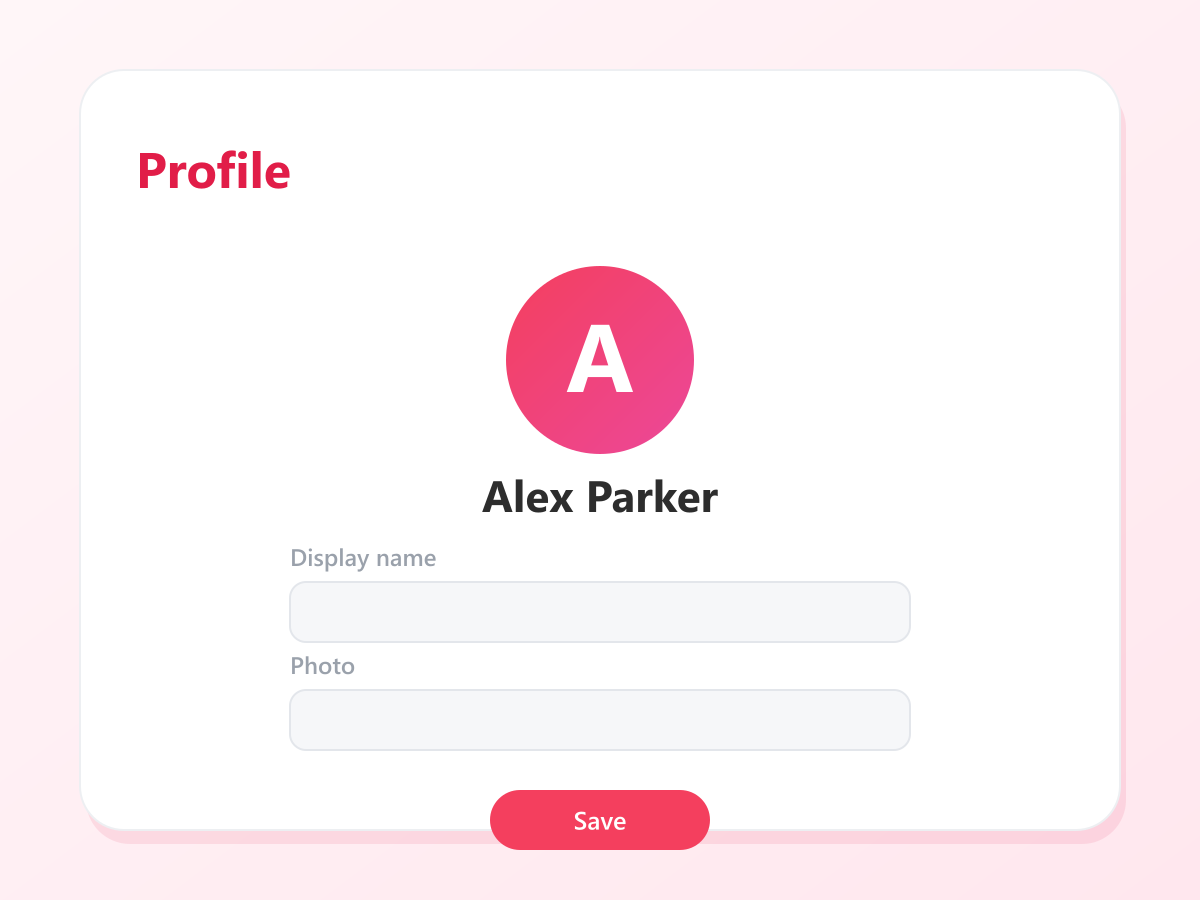
Change a name once
Update a name or a photo here and it is right everywhere. Useful when a support worker moves on and somebody new starts, which happens more often than anyone would like.
Free, unless you want a machine to draw for you
Running your household is not behind a payment, and it is not going to be. The person using the app never pays on any plan, and neither do you for anything on this page. The only thing a subscription buys is the AI, because that is the only part that costs us money every time somebody presses it.
- epCaregiver itself, with as many caregivers and as many people as your household needs
- Invitations, pairing codes, and approving a practitioner who asks to connect
- Categories you build from your own photographs, recorded in your own voice, with no monthly limit
- Daily activity for each person, and the alerts that need an adult
- The goals a practitioner sets, so you can see what is being worked on
- Everything the person you support uses. That part is free forever, on every plan.
only if you want the AI
- AI category generation: three new AI illustrated categories a month
- AI insights across epSpeak and epRegulate use
- Translation of your categories into other languages
Start it in a month you need it, stop it in a month you do not. Nothing already made for your household is taken away if you stop.
Things it will never do
No advertising, anywhere
Not in the app and not around it. There are no third party advertising or analytics SDKs in what we ship to you.
It is not a tracker
It tells you what needs an adult. It does not keep a log of somebody’s day for you to read. No location, no contacts, no recordings.
Yours to take back
Ask on the site and your household is deleted, the profiles with it, within thirty days. No email to write and nobody to talk round.
See epCaregiver in action
epSpeak AAC Alerts
See how epSpeak alerts show up as real-time notifications in the epCaregiver app — how they're triggered, where they appear, what each one tells you, and how it connects to your Alerts settings in the Caregiver Portal.
Built for the people doing the caring
Parents and guardians
You are the one holding the whole picture. This is somewhere for it to live that is not only your head.
Households with more than one carer
A partner, a grandparent, a support worker, a sibling who helps at weekends. Everyone sees what they need to and nothing they should not.
Anyone just starting
New to all of this and not sure yet what you need? Start here. It costs nothing, and it will point you at whatever comes next.
More from the EnrichPoint family
Built for the same people, designed to work together.
One account for everyone involved
Make an account, add the people who help, and decide what each of them can see. The same sign in works everywhere else you need it, so nobody in your house is keeping a list of passwords.